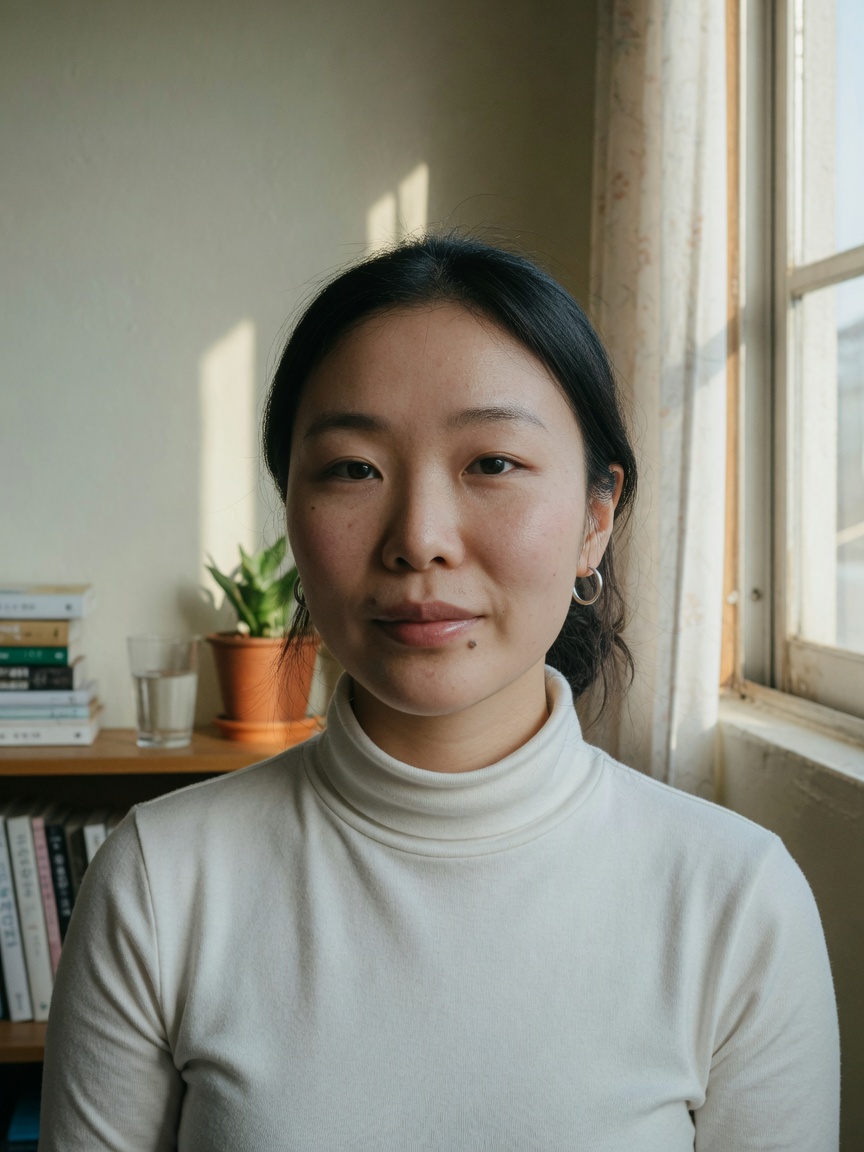
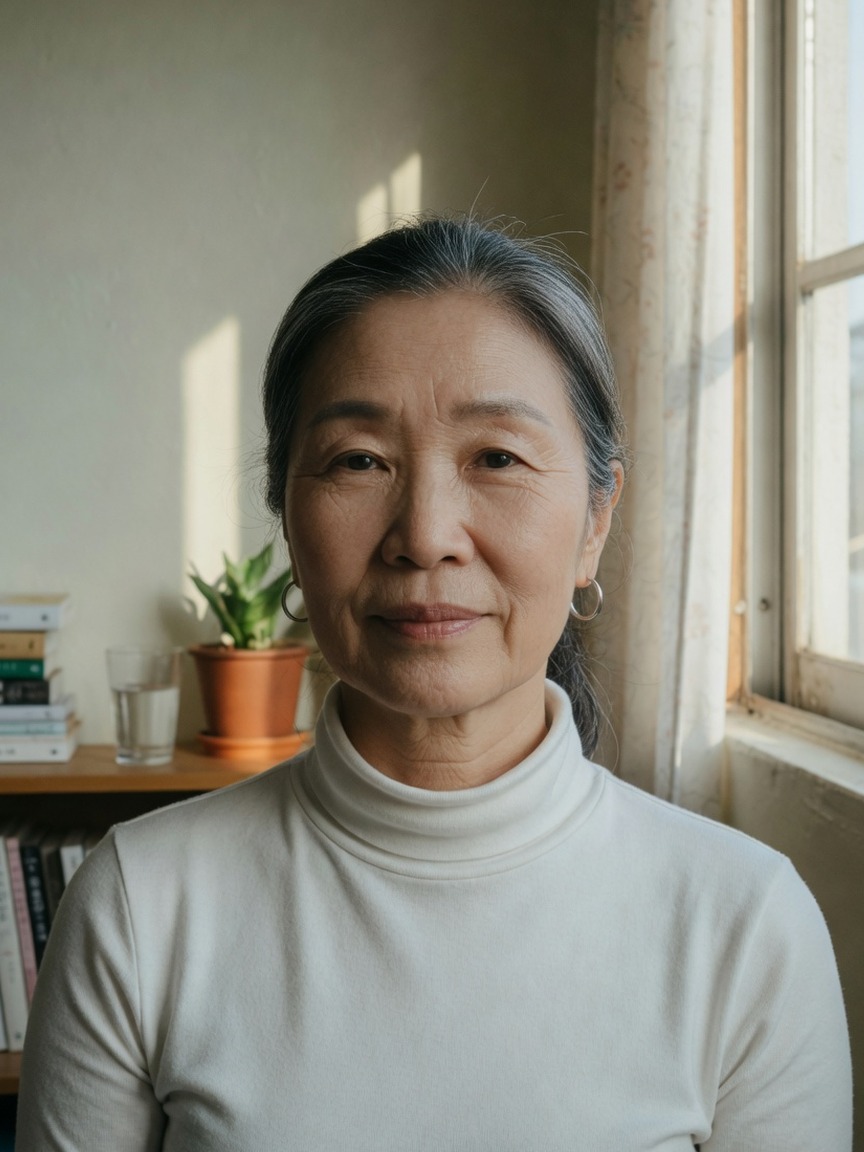
Future self at 65
Free AI age progression · Sign in to generate
Upload a portrait, pick older or younger, and generate an AI age progression preview free online — sign in, then generate in seconds.
Sign in to generate your age progression preview.
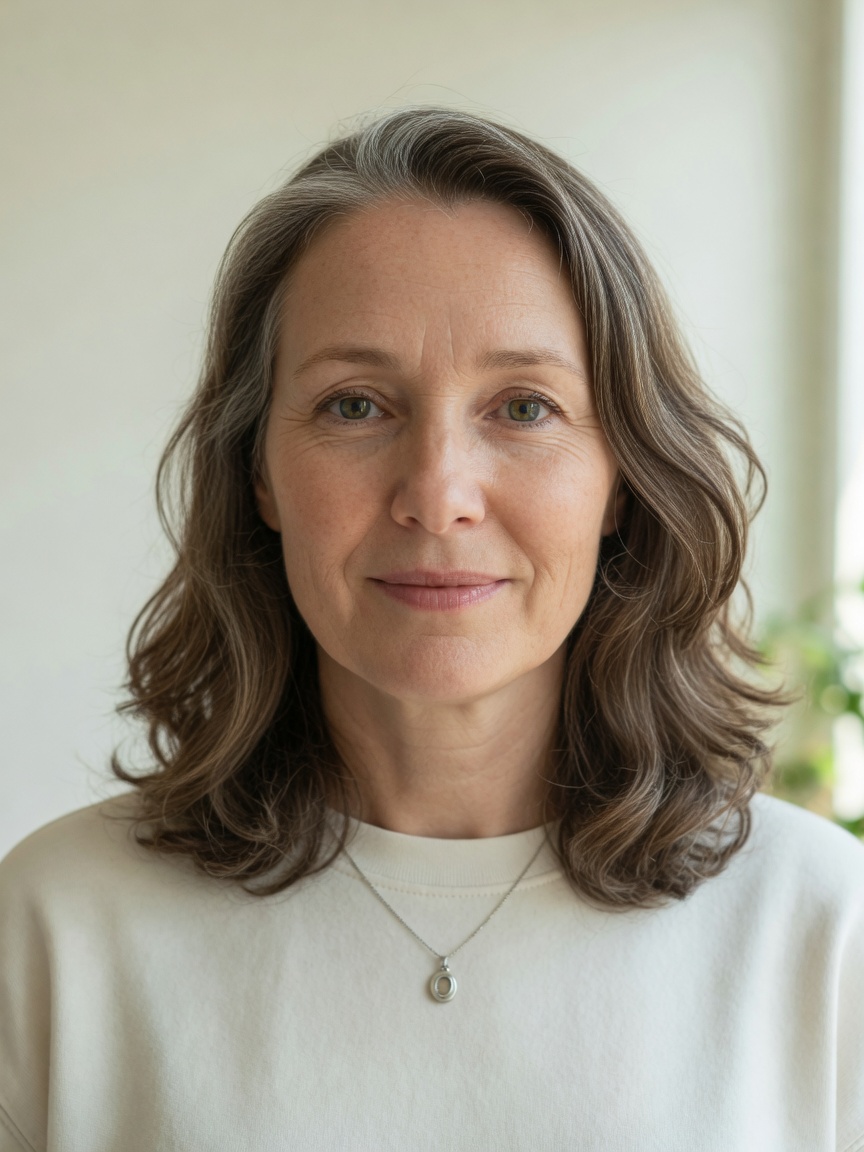
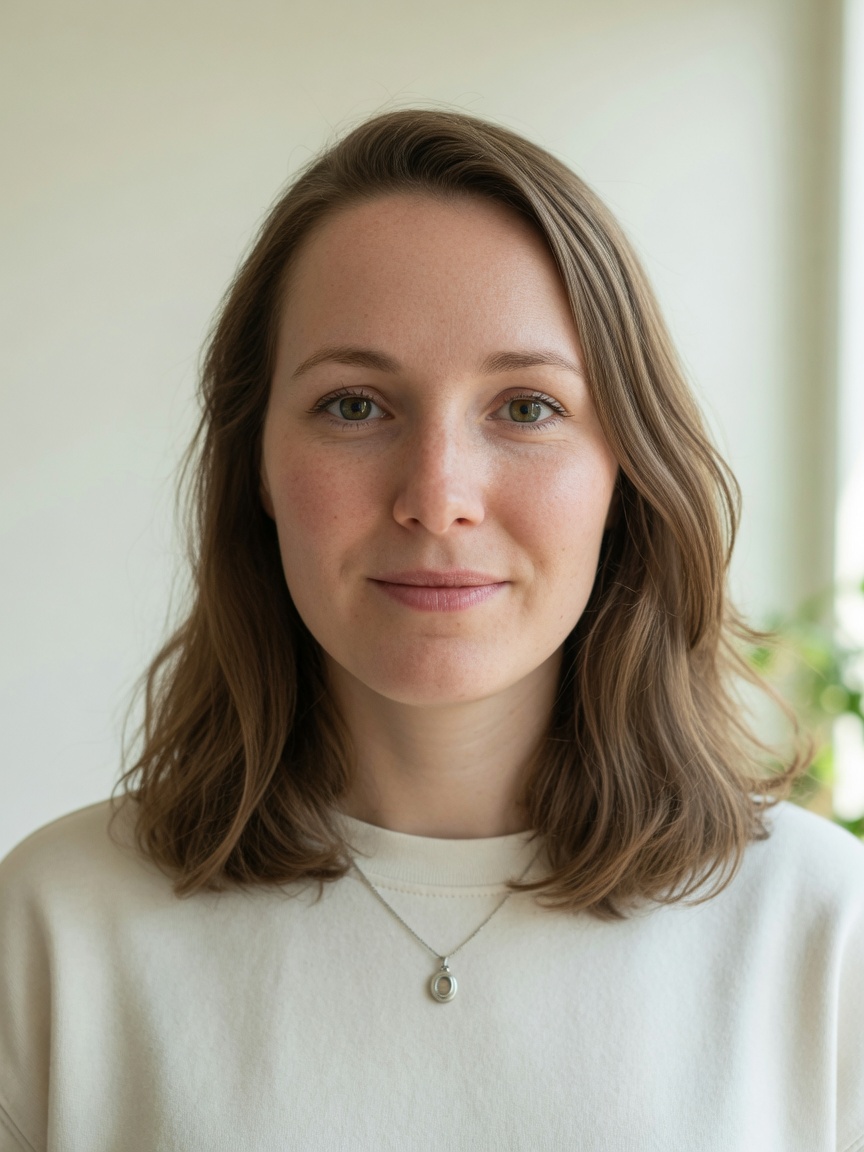
Example before/after. Upload a portrait to generate yours.
Private by default — your photo is sent for generation only, never stored.
Real before and after portraits at different target ages. Tap Use this age to load the same target into the tool.

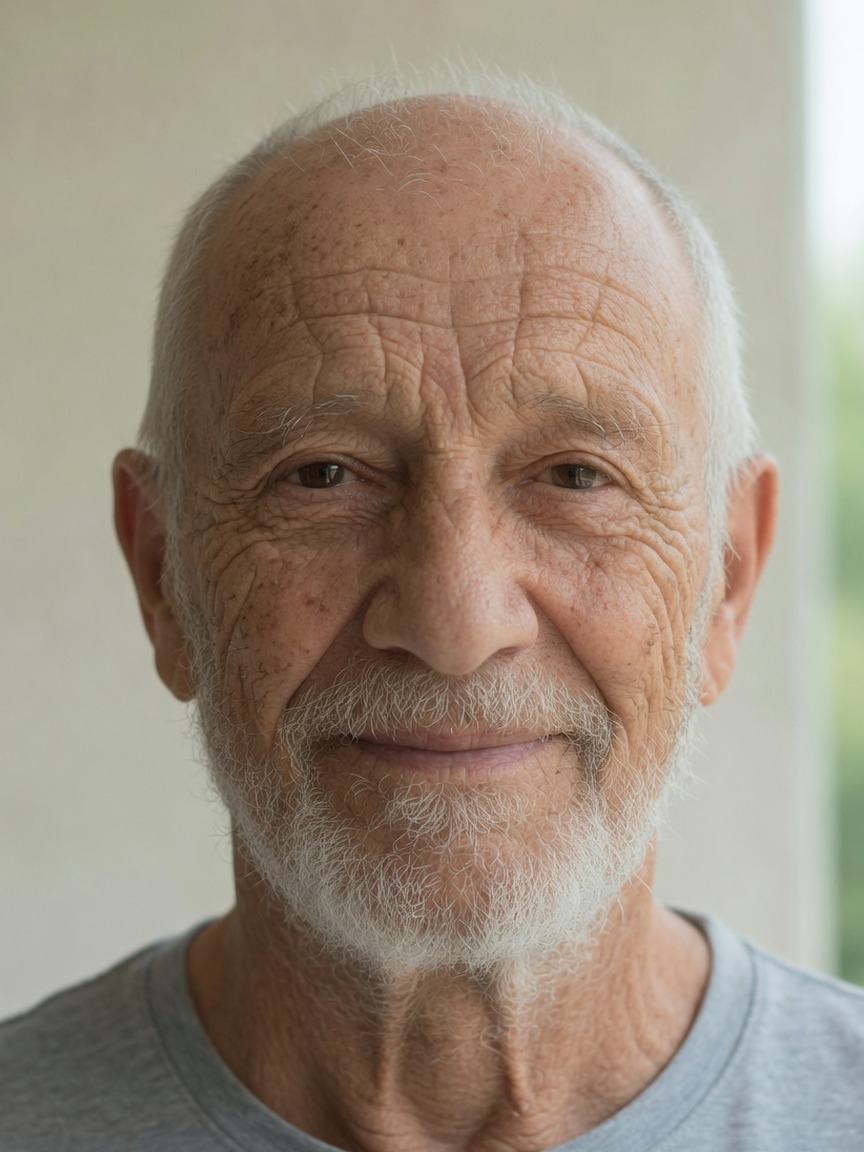
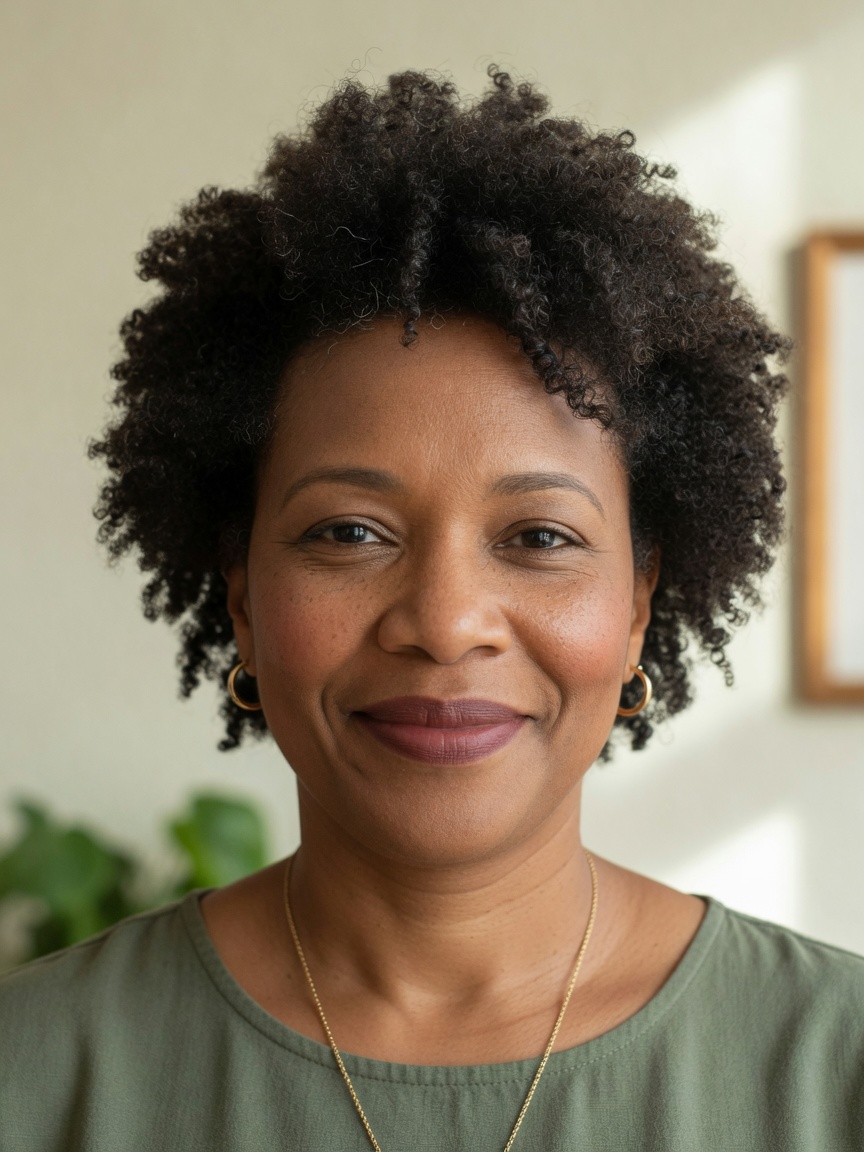
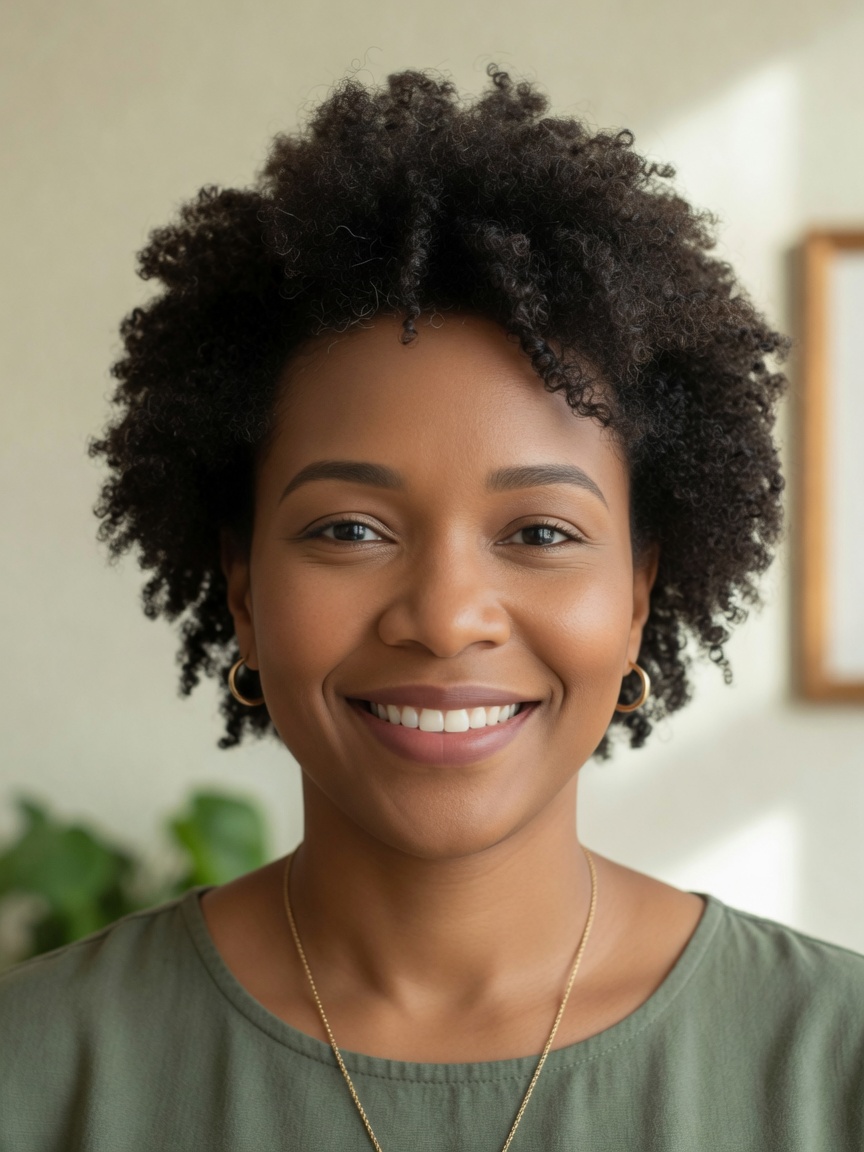


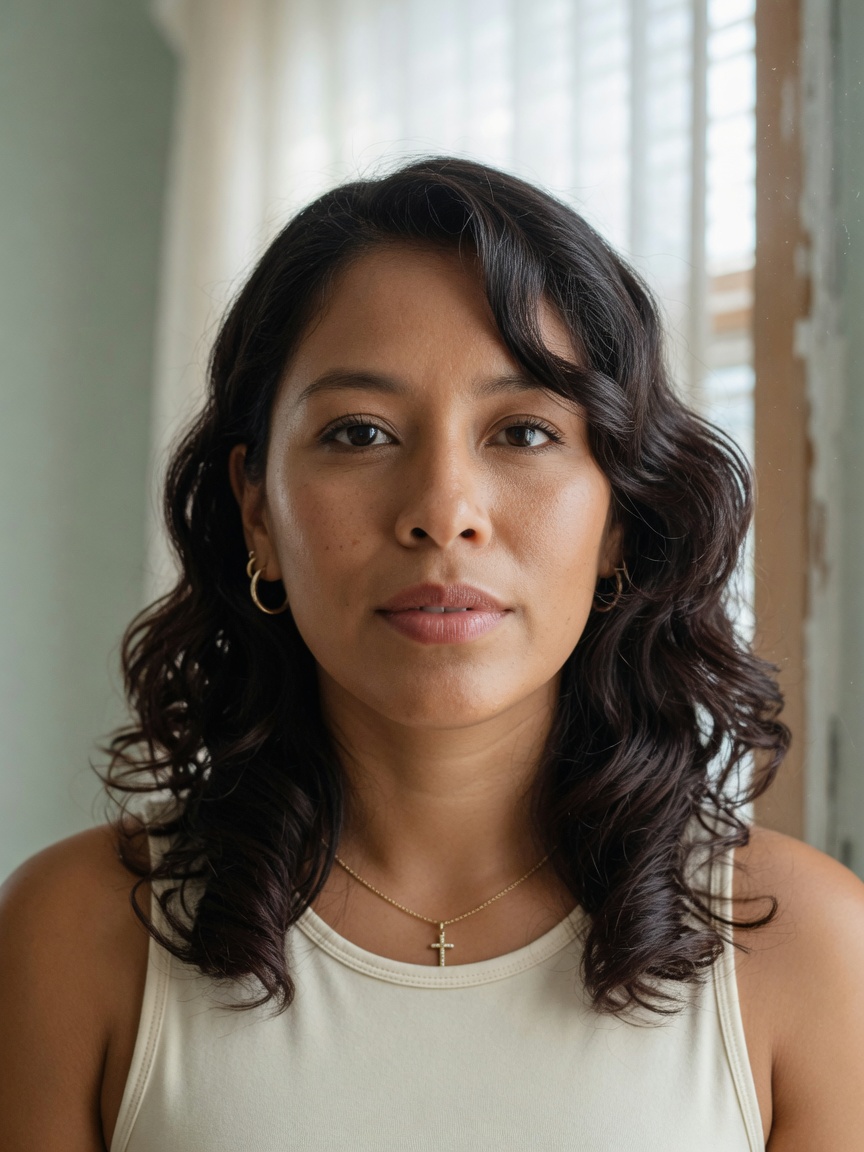
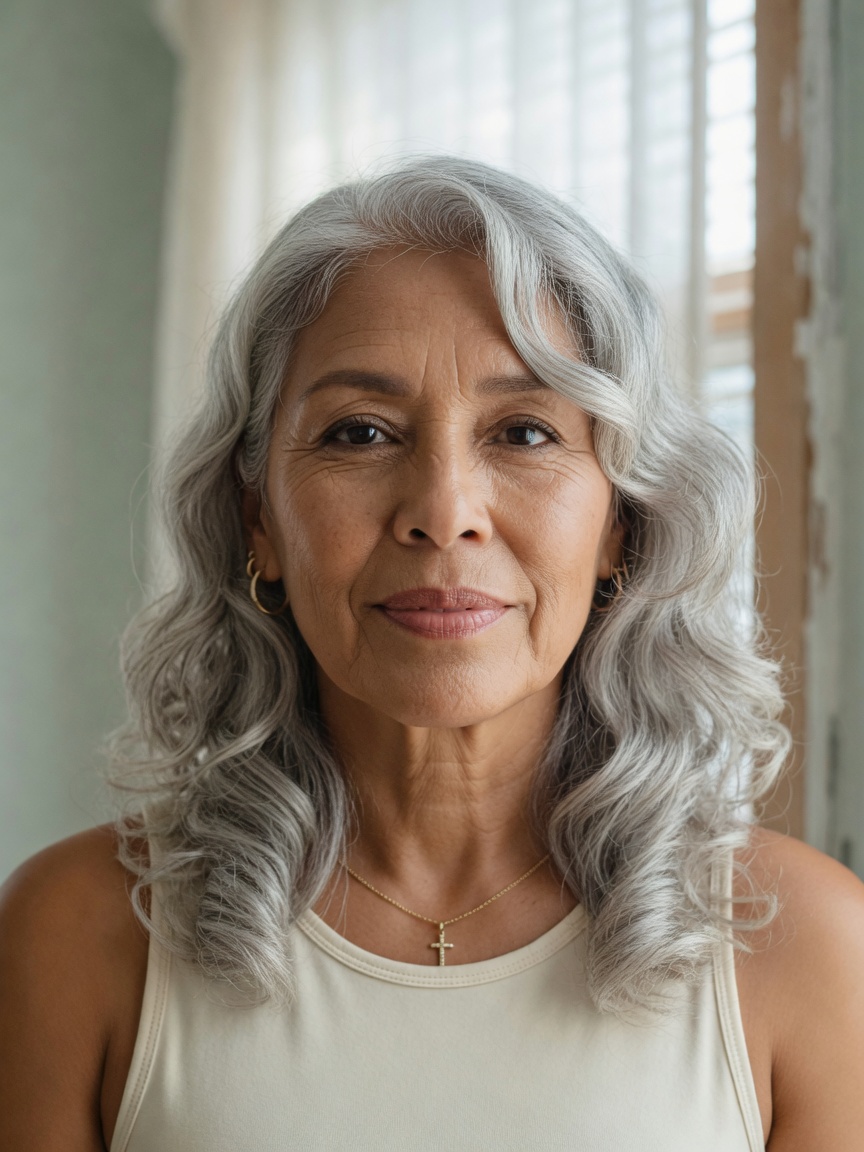
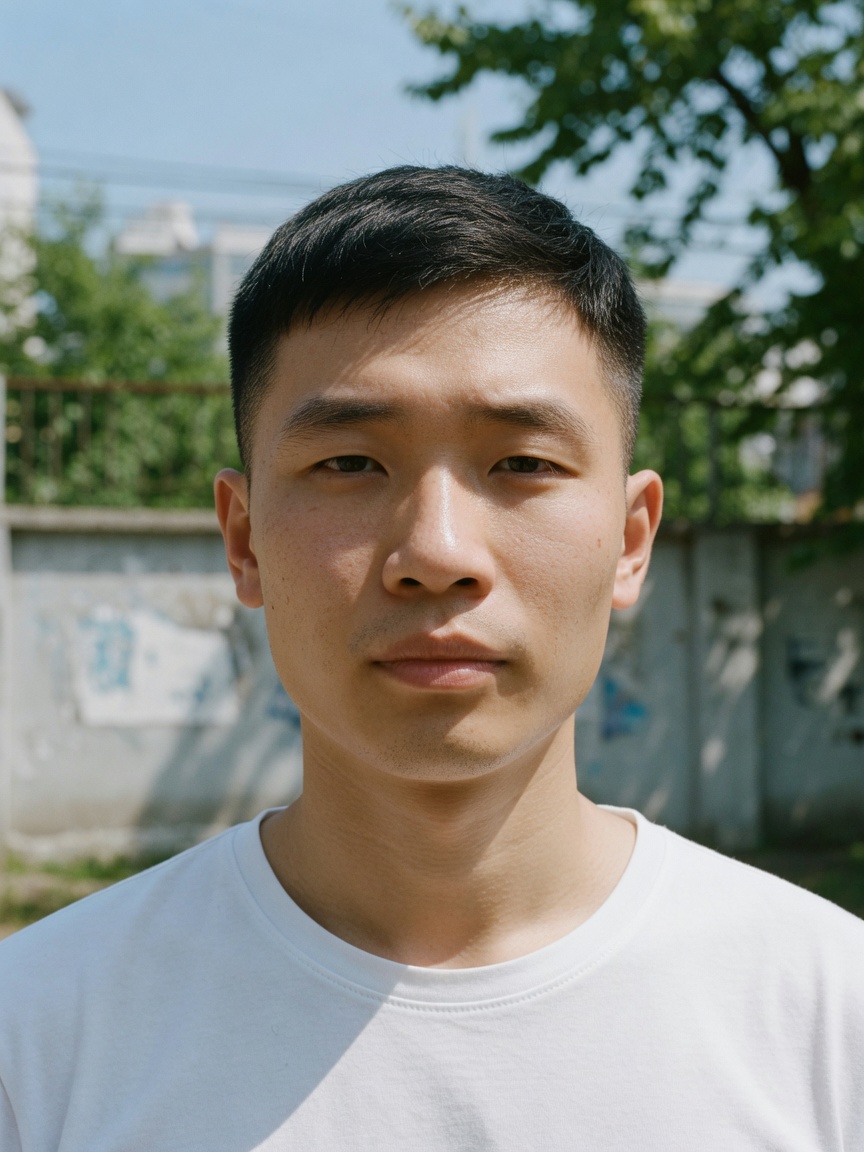
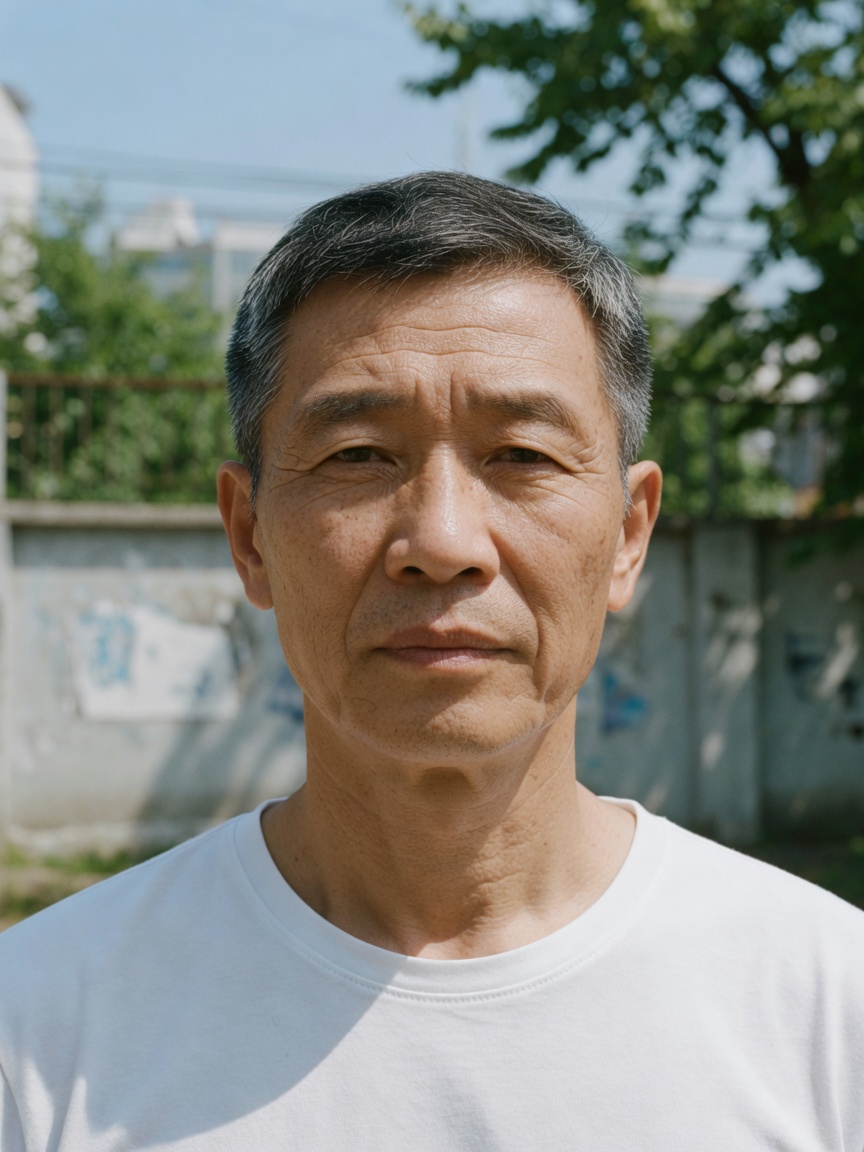

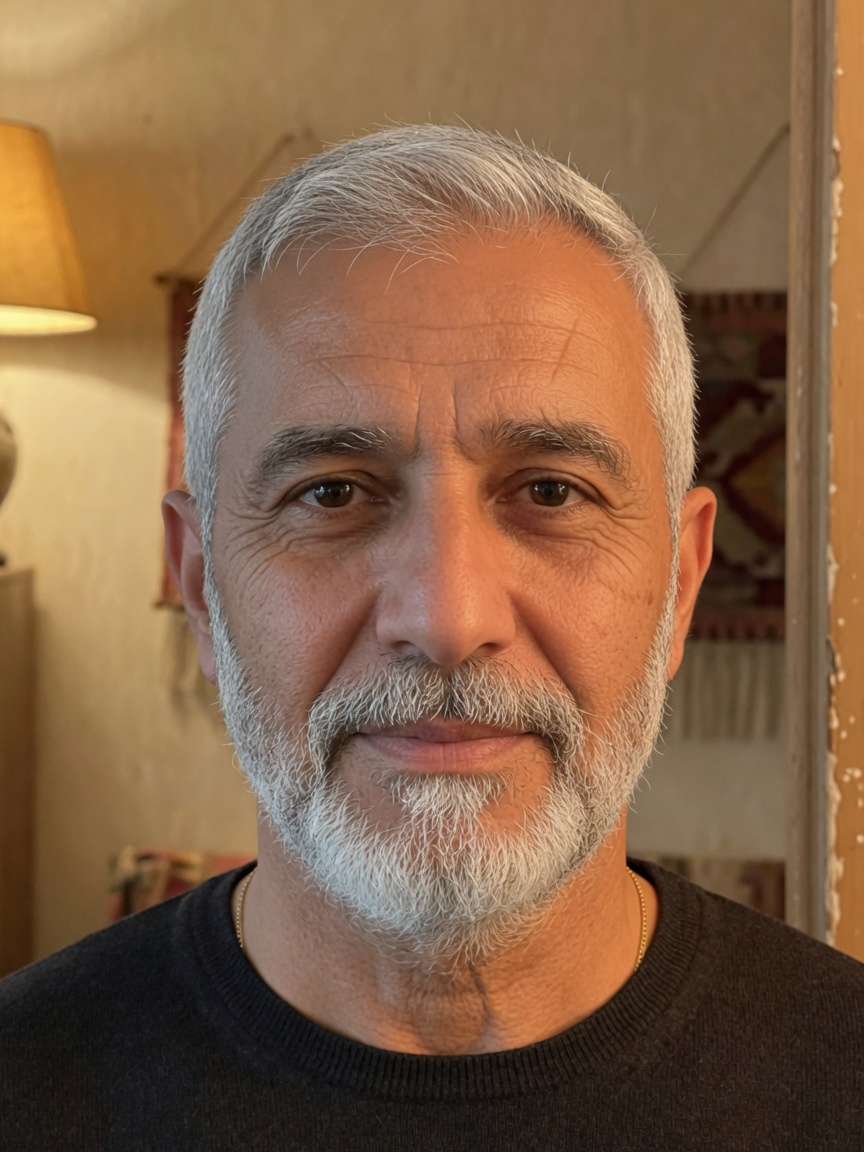
Upload, pick a target age, generate, compare — under a minute.
Use a clear, front-facing portrait.
Jump older or younger with presets or the slider.
Get a realistic future or younger look in seconds.
Drag before/after, then download the poster.
Small input choices matter more than another AI age filter preset. Read the full photo tips guide · How accurate is the result?
“This is still me — just another year of my life.”
Identity stays readable — not a random elderly stranger.
The change is clear enough to feel worth sharing.
Before/after and poster formats, not a bare file dump.
Birthday curiosity, future-self challenges, a glimpse ahead.
Fun de-age previews for edits and social posts.
“Us at 80” entertainment — keep it light.
Quick age timelines for creators and roleplay.
Users share a future-self moment that starts a conversation.
Now vs future, target age, short caption, and a small brand mark.

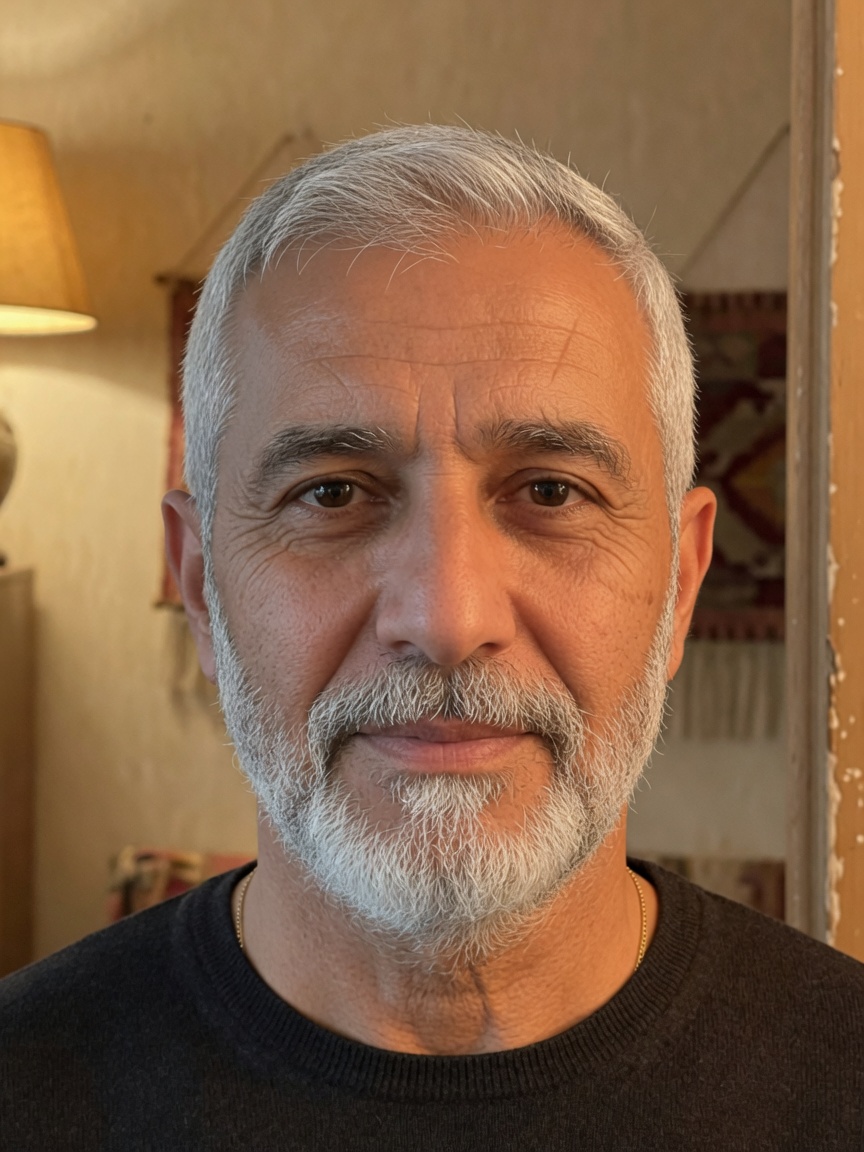
Would you recognize future me?
AI Age ProgressionAI age progression is a portrait tool that previews how a face may look older or younger while keeping recognizable identity cues — so the result still reads as the same person.
It is a creative preview, not a guaranteed life forecast. Real aging depends on genetics, lifestyle, health, lighting, hairstyle, and other factors. Use the result as an imaginative older or younger look, not forensic or medical evidence.
Yes. Sign in to generate a free watermarked AI age progression preview. Upload a portrait, pick a target age, and get a before/after result in seconds. Subscribe only if you want the watermark-free HD download.
Upload a clear portrait, set your current age and a target age, then press generate. You get a before and after comparison slider and a downloadable share poster.
Use a clear, front-facing portrait with good lighting, no sunglasses, no heavy filters, and one visible face. See the Photo tips section on this page for a short Do and Don’t list.
Yes. Choose a target age lower than your current age to create a younger-looking version of the same portrait — the same free online flow as aging forward.
Yes. Browse examples freely, then sign in to generate. Creating an account is free and does not require a credit card.
For the free online tool path, your portrait is sent as part of the generate request so the model can return a preview. We do not save that image into our product database or object storage after the request. When live generation is on, a provider processes the image under its terms. Optional Turnstile checks and IP-based rate limits may apply. See the Privacy Policy for the full picture.
Upload a portrait, set any target age, compare before and after, and download a shareable poster. Sign in to generate.
Try Free AI Age ProgressionFree online · Sign in to generate · Creative preview only